A 3D engine app you use inside Toss, no install needed
Start it, rev it, hear it.
A 3D engine opened up. The sound is not a recording: it is synthesized on the spot from revs, firing order, and exhaust length. Switch between inline and V layouts, naturally aspirated and turbo, and drag the lever to shift gears yourself.

- Google PlayComing soon
- App StoreComing soon
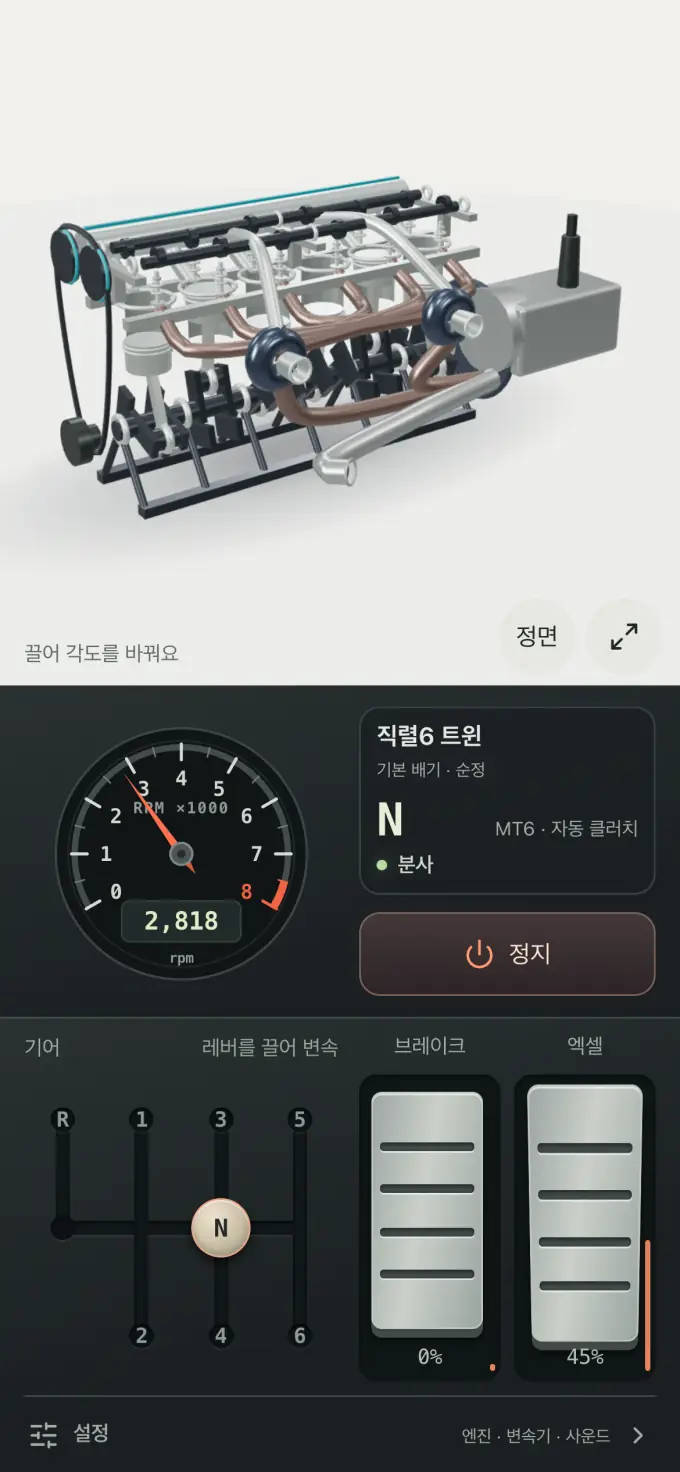
How it works
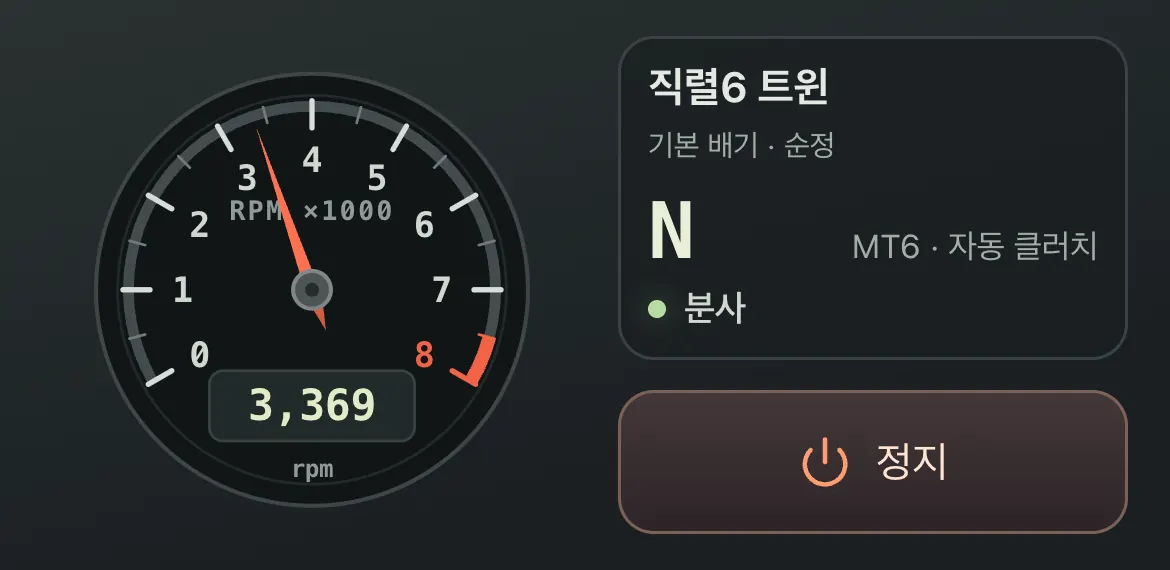
Start it and the needle comes up
Push a pedal further up to press it deeper. As revs rise, the sound follows, and when you lift off, fuel cut kicks in and revs fall.
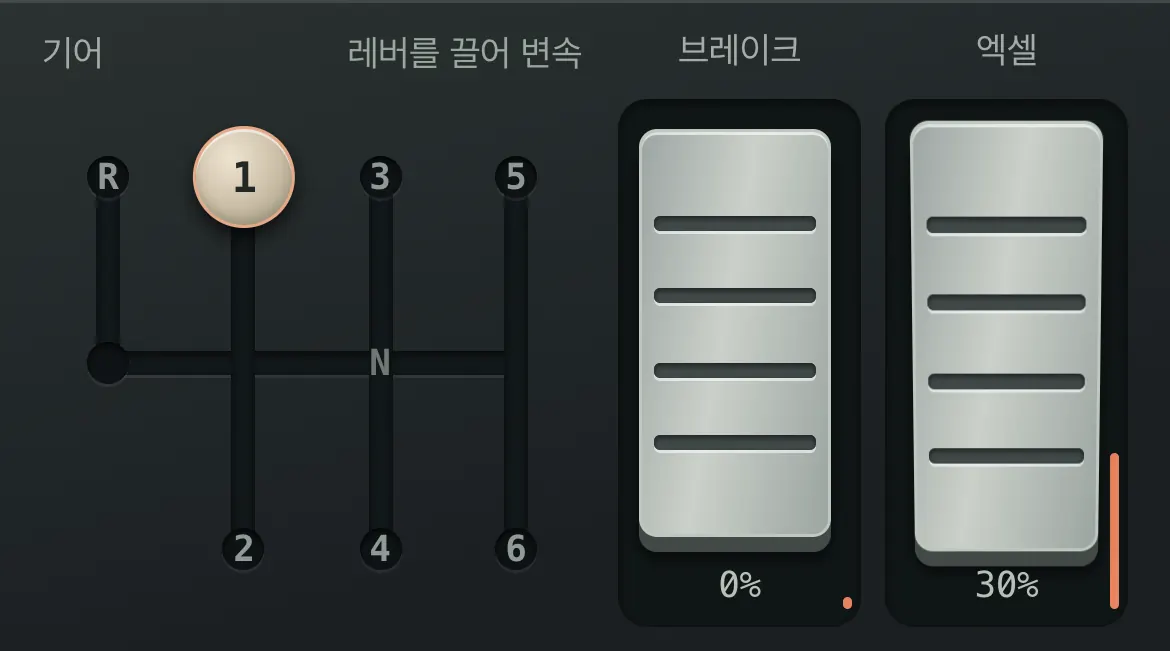
Drag the lever into gear
In a manual, drag the lever into gear; the clutch is handled for you by default. Switch clutch control to manual on the setup screen and you press the clutch all the way before each shift. Automatics move through P, R, N, D; the dual-clutch takes D or any gear you pick.
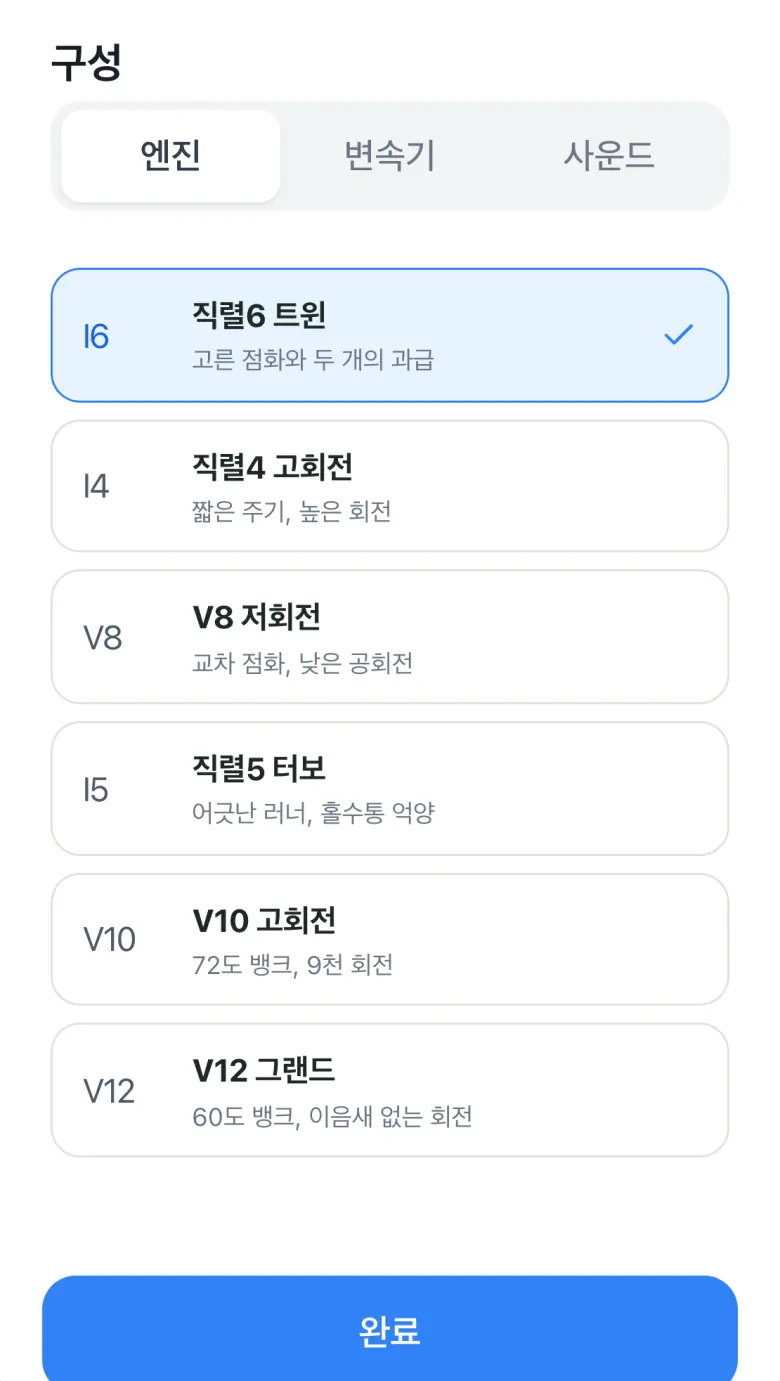
Swap engines and gearboxes and compare the sound
Combine engines with different cylinder layouts and induction, gearboxes, exhaust lengths, and tuning. The lineup keeps growing, so the setup screen in the app is the most accurate list.
Where to get it
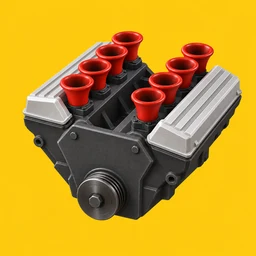
Engine Simulator
Groundcode · Free
Available now inside the Toss app with no separate install. Google Play and App Store versions are coming soon.
- Open
Toss Mini App
Inside the Toss app, no install needed
- Coming soon
Google Play
Android
- Coming soon
App Store
iPhone, iPad
Who makes it
Built by Groundcode. It does not reproduce any real car or brand; it is closer to a toy for hearing how cylinder layout and rev character change the sound. More engines and gearboxes are on the way.
Have a question? Email us at hello@groundcode.io