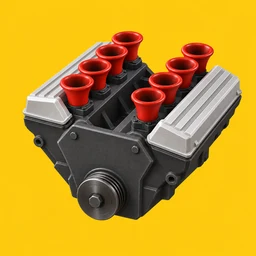
 Engine Simulator
Ignition and pedals
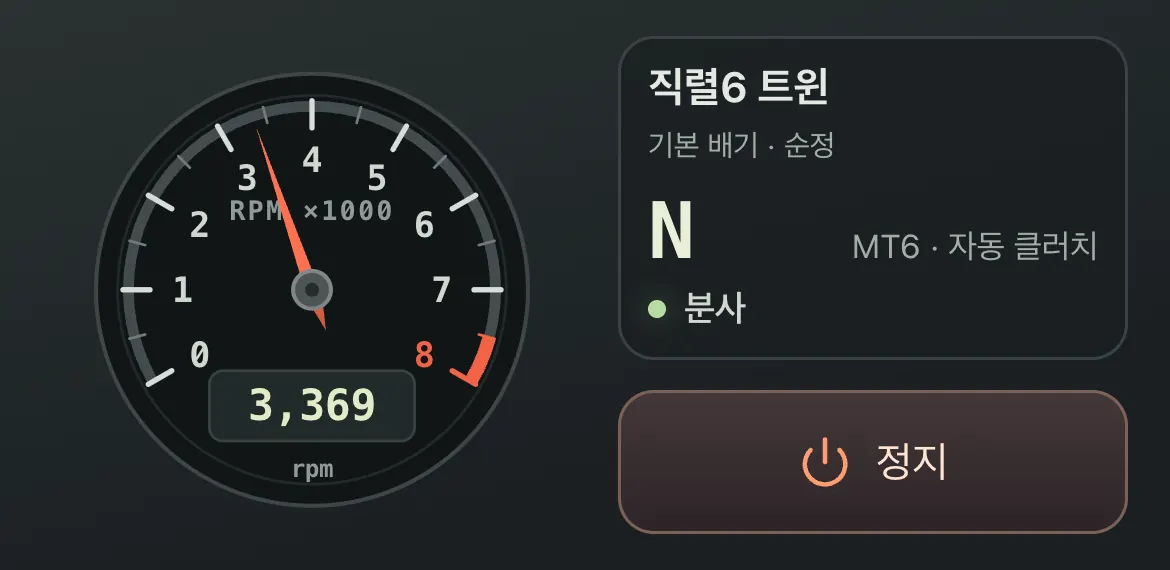
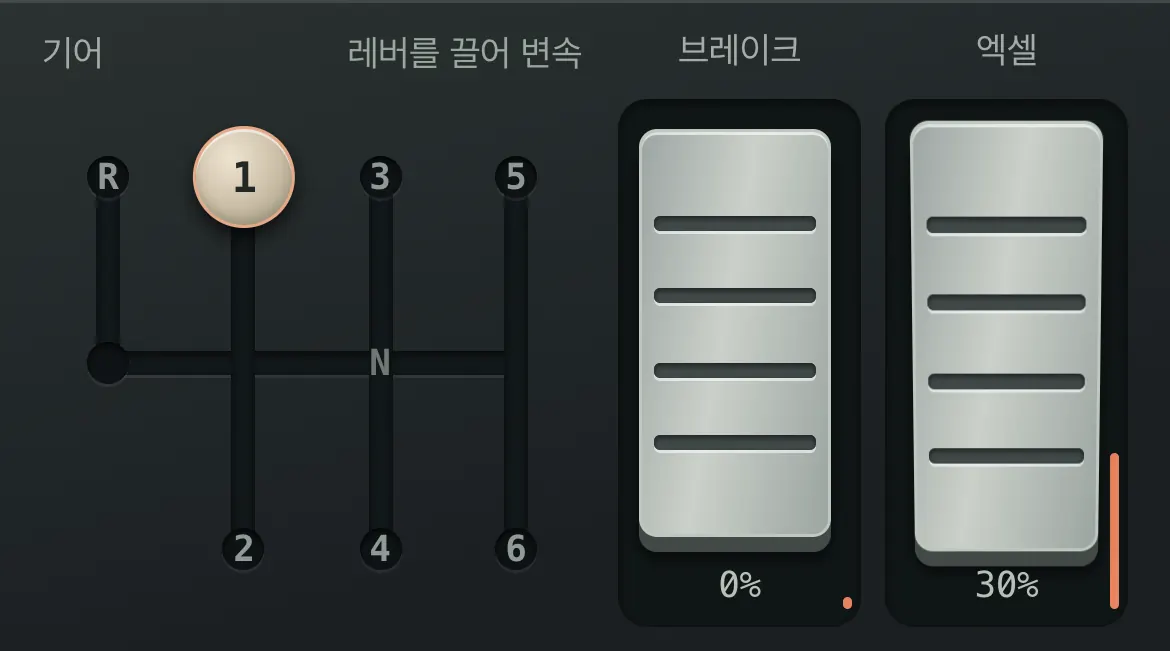
Press Start and the engine idles. Push the throttle up to press it deeper. The brake loads the engine and pulls the revs down; lift off the throttle and fuel is cut (fuel cut), so the revs fall.
Gearboxes
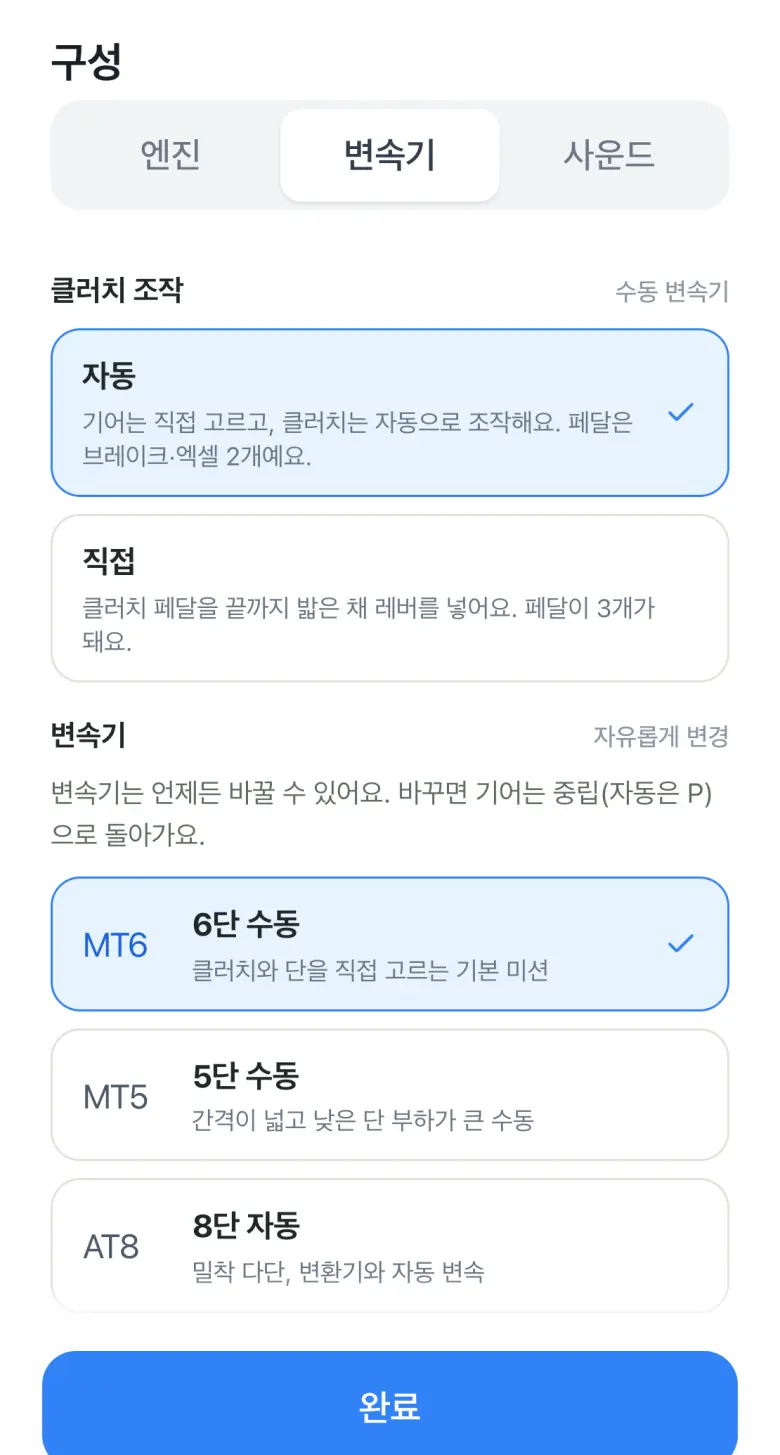
In a manual, drag the lever into gear. The clutch is automatic by default; switch clutch control to manual on the setup screen to add a clutch pedal. A gear then only engages with the clutch fully pressed; if it is not pressed enough, a hint appears and nothing engages. The automatic offers P, R, N, and D and shifts by itself in D; the dual-clutch lets you stay in D or pick gears yourself.
Exhaust and tuning
Changing the exhaust length alters the resonance layered over the exhaust pulses. Tuning goes from stock to street to track: the sound gets sharper and the pops and bangs on lift-off become more pronounced. Settings within the same engine apply instantly, with no ads.
Camera
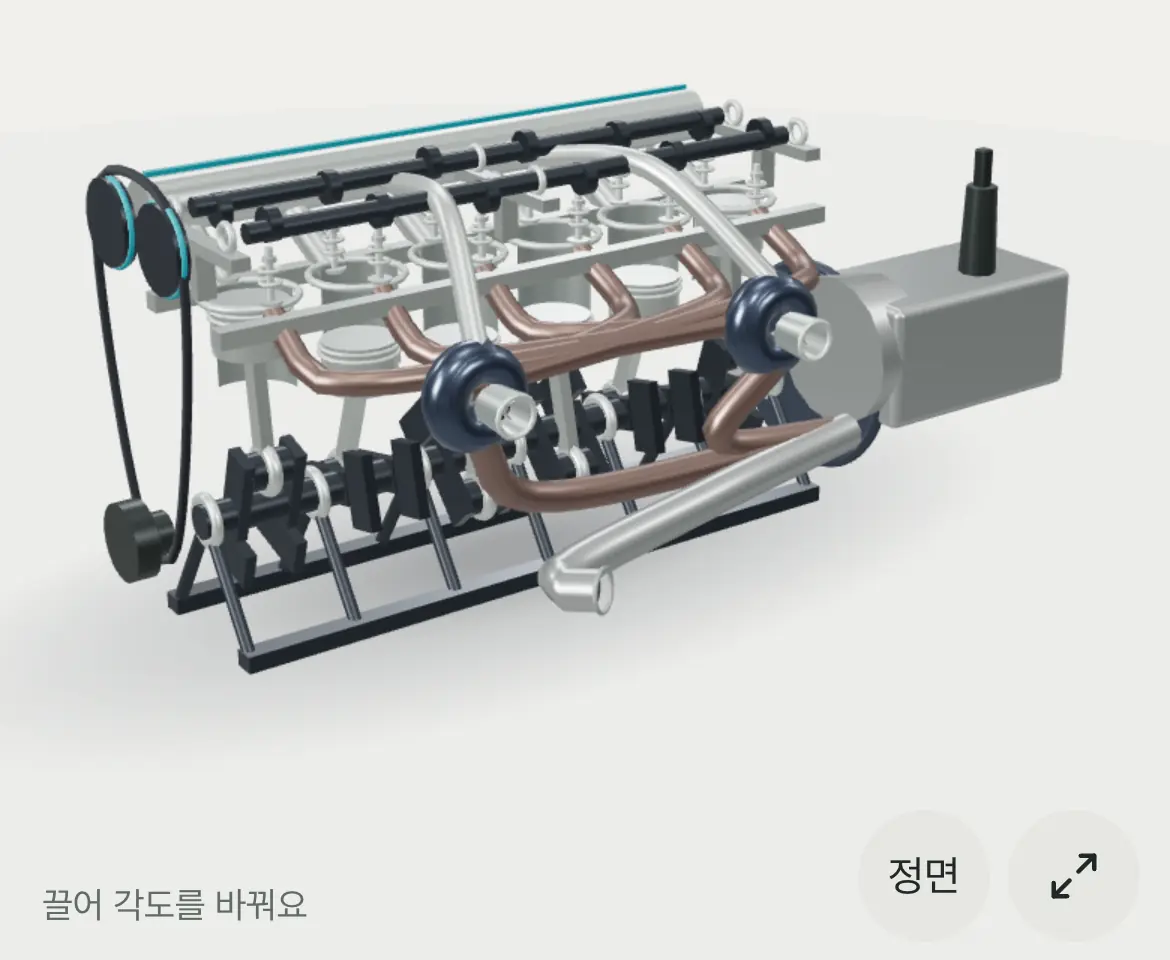
Drag to orbit the engine and pinch to zoom in. The Front button resets the view, and the button next to it opens a full-screen view.
How the sound is made
No recorded samples are played. Exhaust pulses are generated from revs, cylinder count, and firing interval, then the resonance of the exhaust length is added. That is why the same revs sound different with a different engine or exhaust. Sound pauses while an ad or dialog is open.
Engines and gearboxes
More engines and gearboxes are continually added, so tap the engine name at the top of the app and check the setup screen for the latest lineup. Mix and match engines of different cylinder layouts and induction with manual, automatic, or dual-clutch gearboxes, exhaust lengths, sound tuning, and intake. Everything except switching engines updates instantly, with no ads.